
Content Campaigns: Set It Once, Publish on a Schedule
A Campaign turns a list of topics into a steady publishing rhythm. Choose a model, a tone and a schedule, and every run writes an article and sends it where you want it, whether that is WordPress, Medium, LinkedIn or any of 7,000+ apps through Zapier.
- Topics, model, tone, language and length in one place
- Runs on a schedule you choose
- Pause, edit or run now at any time
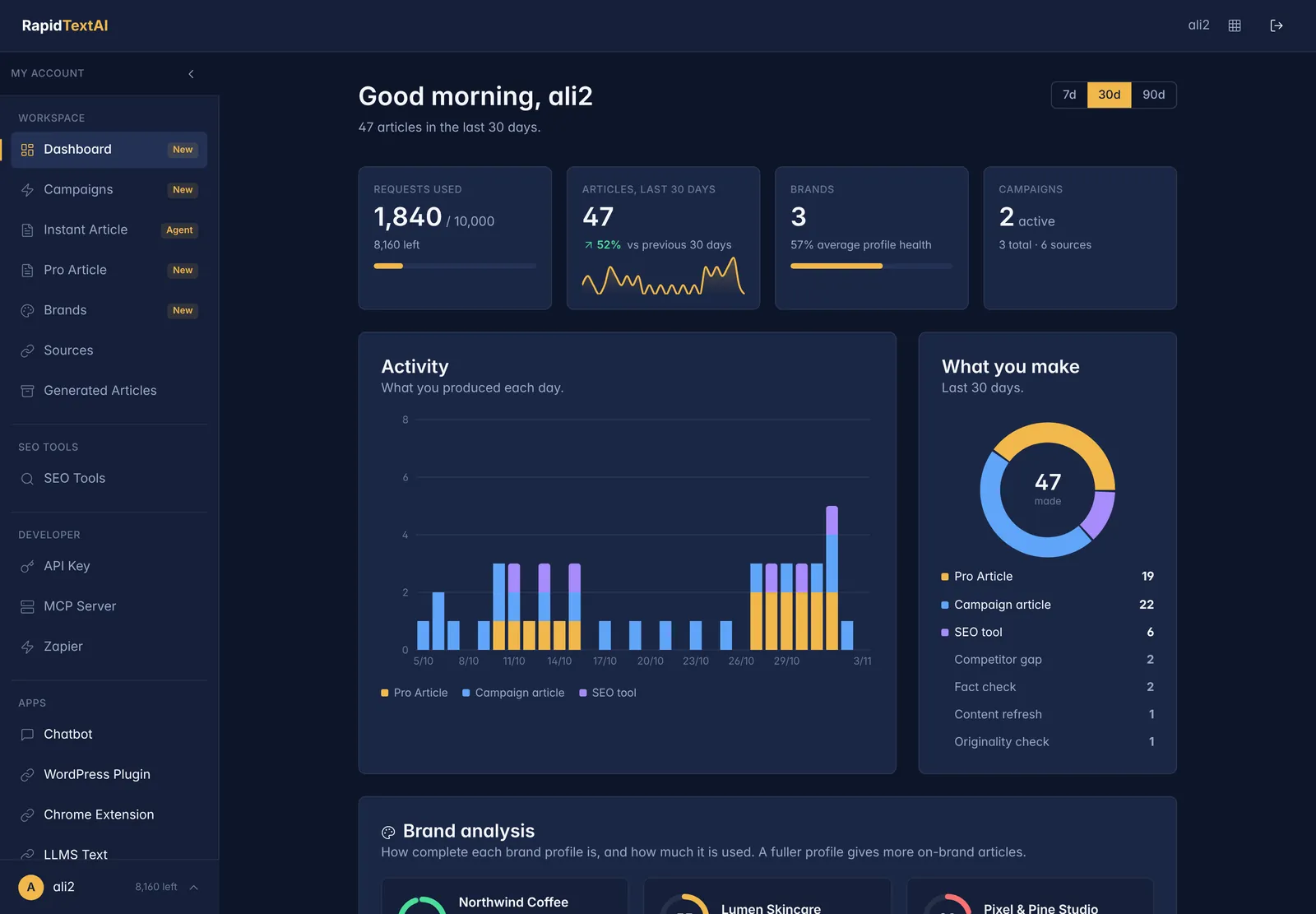
- Every run is logged and counted on your dashboard
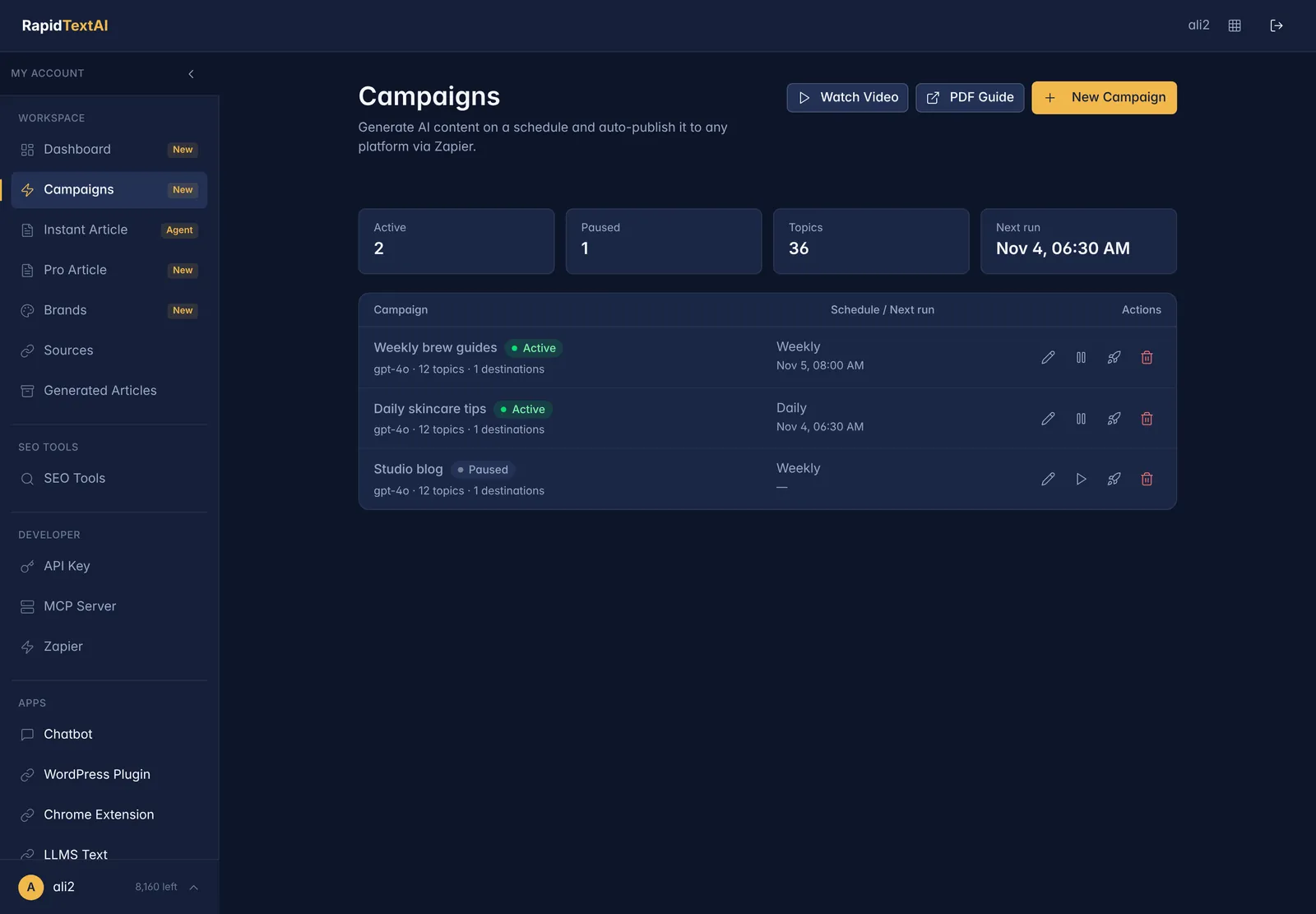
Published on schedule.
Real screen from the app, shown with sample data.
What Is a Content Campaign?
Consistent publishing is hard to sustain by hand. A Campaign moves the repetitive part into a schedule. You decide the topics and the style, and RapidTextAI produces the article for each run.
Each Campaign keeps its own settings: the list of topics, the AI model, the tone and audience, the language, the article length and how tags and excerpts are generated. You can attach your own sources as reference material, and the Campaign appears in your dashboard with its next run time.
Articles are sent to the destinations you connect. Through Zapier that can be your CMS, a social account, a newsletter tool or a spreadsheet.
What a Campaign Controls
Topics
A list of subjects to write about, used one run after another.
Model, tone and audience
Choose the AI model, the tone of voice and who the articles are for.
Schedule
Run on the schedule you set, and see the next run time at a glance.
Tags and excerpts
Generate tags and an excerpt of the length you choose for each article.
Destinations
Send each article to WordPress or to thousands of apps through Zapier.
Logs and control
See every run, pause or resume a Campaign, edit it or run it now.
How to Create a Campaign
Name it and add topics
Create the Campaign and paste the list of topics you want covered.
Choose the style
Pick the model, tone, audience, language and length. Add sources if you want the articles grounded in your own material.
Set the schedule and destination
Choose how often it runs and connect where the articles should go.
Let it run
Check the dashboard for the next run and the log of past ones. Pause or edit whenever you like.
See It in the App
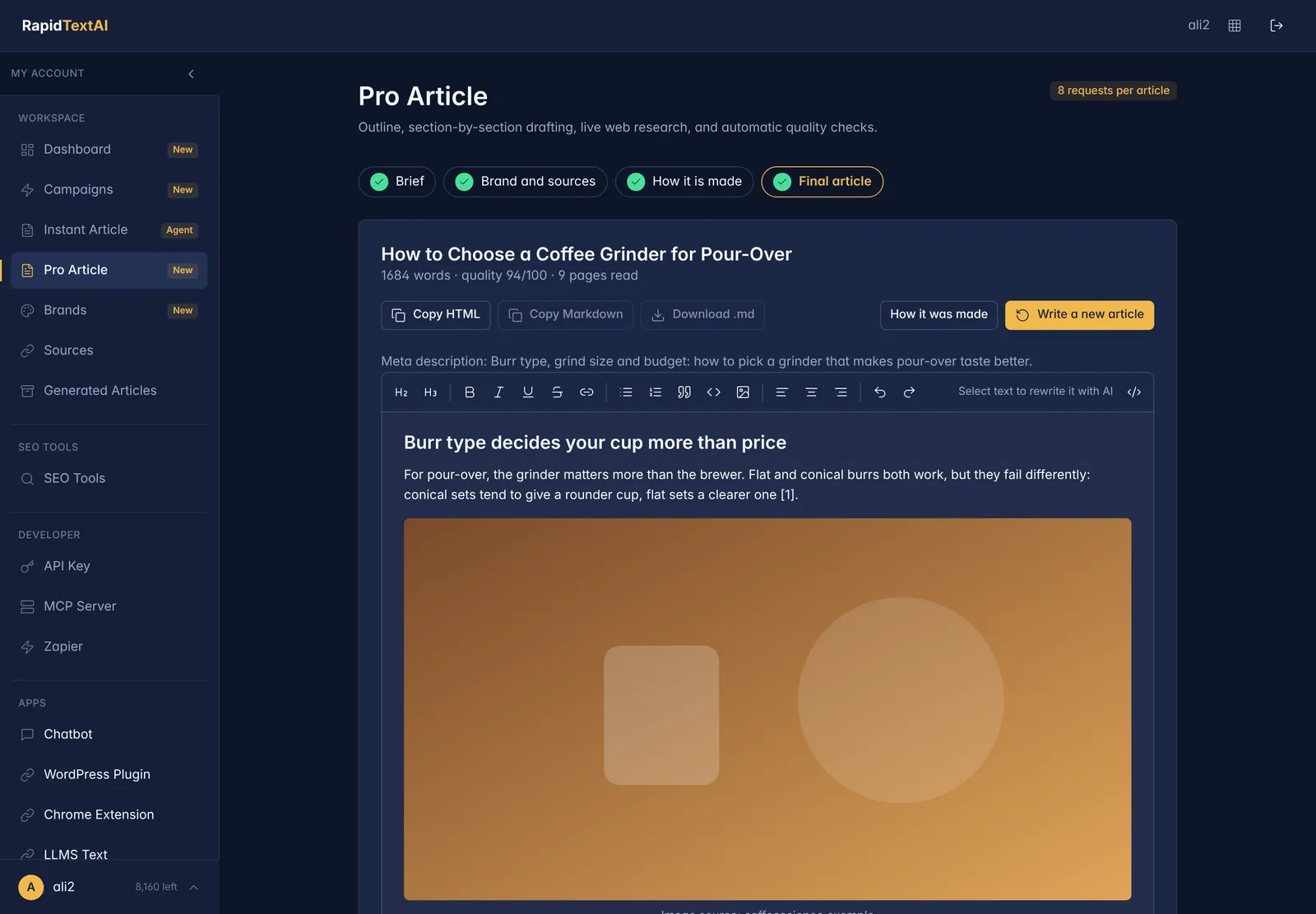
Screens from the live product. The data is a fictional coffee brand, so nothing here belongs to a real customer.
Good For
Steady blogs
Keep a regular publishing rhythm without writing every post by hand.
Multi-channel publishing
Send the same article to a CMS and a social account through Zapier.
Agencies
Run separate Campaigns for each client with their own topics and tone.
Limits Worth Knowing
- Campaign articles are single-pass drafts. For research, media and quality scoring, write the article in Pro Article.
- Each run uses requests from your plan. Check your dashboard so a busy schedule does not exhaust them early.
- Publishing to other apps depends on the Zapier or WordPress connection being set up.
What It Costs
Each Campaign run uses requests from your plan, like any article. Your dashboard shows what is used and what is left. Start on the free plan with no credit card.
Content Campaigns FAQ
A saved setup of topics, model, tone and schedule that writes an article on every run and sends it to your chosen destination.
Yes, through the WordPress integration or through Zapier. See the WordPress page.
Yes. You can pause, resume, edit or run a Campaign immediately from the Campaigns page.
Zapier connects Campaigns to more than 7,000 apps. For WordPress you can also use the plugin.
Every run is logged, and the dashboard shows recent activity and the next scheduled run.
Keep Exploring
Ready to put your
blog on a schedule?
Get Started Now


